Two editing styles instead of one
Adobe’s latest Photoshop update does not simply add another prompt box to the existing interface. It introduces an optional AI Assisted Editor in beta, giving conversational image editing a dedicated workspace while keeping the familiar Pro Editor available. That separation recognises that quick intent-based changes and detailed craft work are different modes, even when they use the same underlying tools.
What the assisted space includes
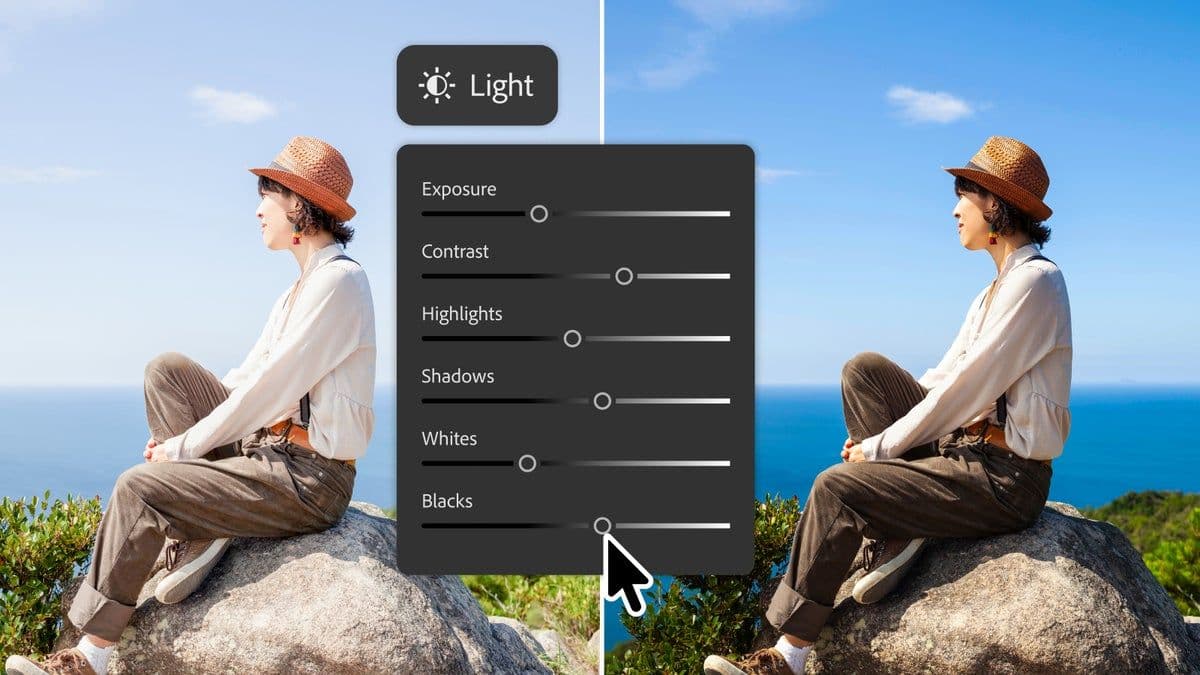
The new workspace gathers Prompt to Edit, background removal, Generative Expand, object removal, Generative Fill, upscaling and visual markup. A user can describe an edit in ordinary language instead of building every selection manually. Prompt to Edit is also available from the Pro Editor’s contextual task bar, and Adobe says generated results become separate layers so the work remains organised and non-destructive.
Precision tools are still moving forward
Adobe also announced Dynamic Text for custom shapes and paths, allowing text to adapt along curves and freeform layouts without repeated manual adjustment. A dockable Stock panel brings Adobe Stock search and previews into Photoshop. Together, these additions reduce context switching: assets, prompt-driven exploration and precise layer work can remain inside one application.
Why the interface decision matters
Creative software has struggled to decide whether AI should replace traditional controls or sit beside them. Adobe’s approach offers two entrances to the same work. A beginner can start with intent, while an experienced designer can inspect layers, refine masks and control typography. The danger is duplication and confusion if results behave differently across workspaces, so consistency and clear handoff between the two modes will matter.
What designers should watch
The beta should be judged on editability, not just impressive first results. Designers need predictable selections, reversible operations, clear provenance and control over which model handles a task. Adobe’s announcement suggests a useful principle for AI interfaces: conversational tools can accelerate exploration without pretending that every creative decision can be reduced to a sentence.
For everyday users, the practical approach is to use prompts for broad changes and return to conventional tools for details that affect identity, text or product accuracy. Keep the original image, review generated edges at high zoom and confirm that a result has not introduced misleading objects. Client work may also require disclosure or approval before generative tools are used. Speed is valuable, but a faster edit still needs the same visual and ethical review as a manual one.